Introduction
Technology plays an important role in modern business operations. Organizations rely on computers, networks, software applications, servers, and cloud platforms to manage their daily activities. However, technical problems such as system errors, connectivity issues, software failures, and hardware malfunctions can interrupt workflows and reduce employee productivity.
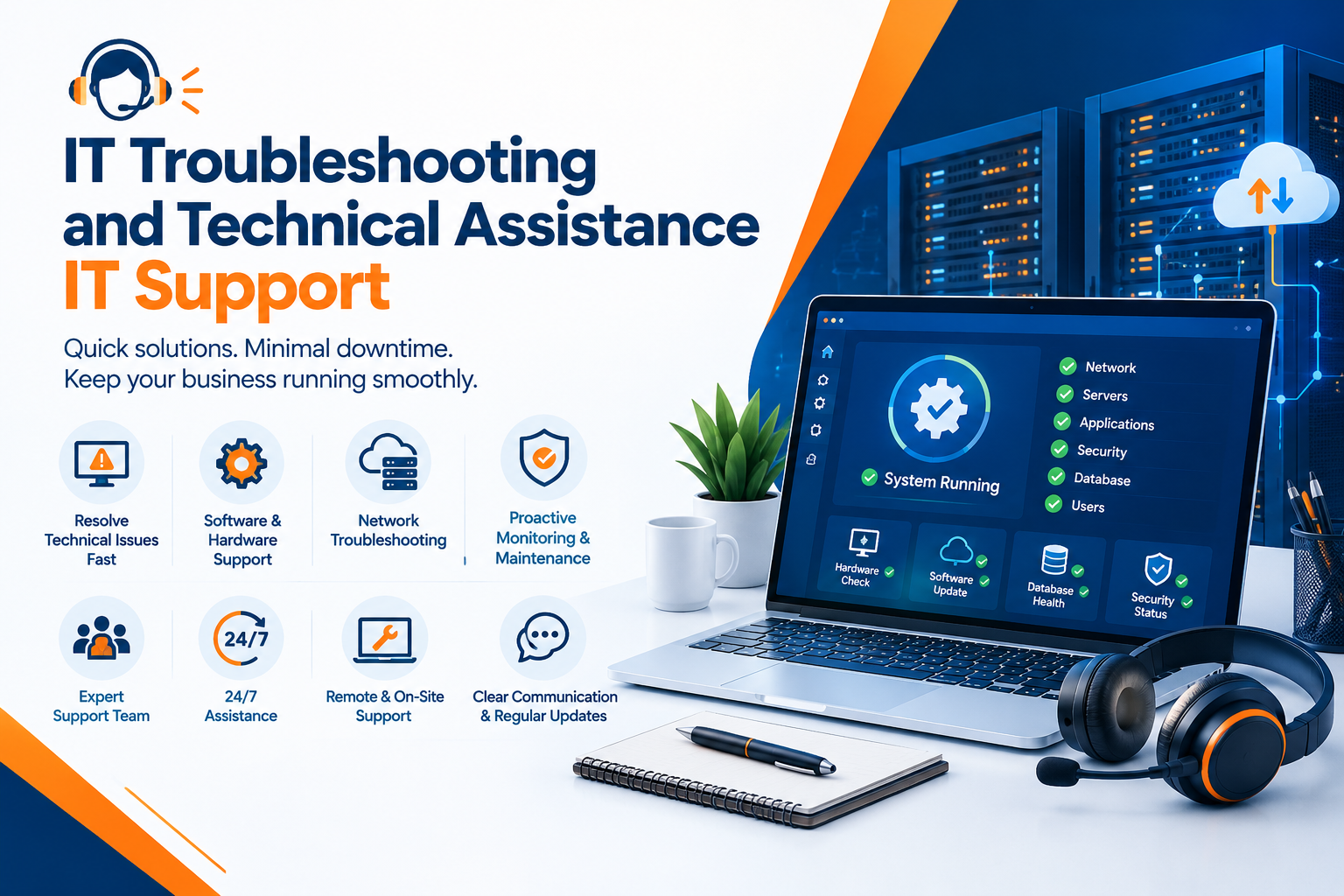
IT troubleshooting and technical assistance help businesses identify the root causes of technical issues and restore normal operations. A structured support process reduces unnecessary downtime, improves system reliability, and helps employees work more efficiently.
By adopting effective IT support practices, businesses can resolve technical challenges faster and maintain a dependable technology environment.
What Is IT Troubleshooting and Technical Assistance?
IT troubleshooting is the process of identifying, diagnosing, and resolving problems involving hardware, software, networks, and digital systems. Technical assistance provides users with the guidance and support needed to overcome these challenges.
For example, if an employee cannot access a business application, the IT support team may check network connectivity, account permissions, application settings, and server availability to identify the problem.
Businesses can explore https://www.clopid.com/ for technology-related solutions and resources that support business operations.
Common IT Issues Businesses Face
Organizations may experience different types of technical issues depending on their infrastructure, applications, and working environment.
1. Computer and Hardware Problems
Slow computers, malfunctioning peripherals, overheating, and hardware failures can interrupt daily tasks. Troubleshooting involves checking device health, available resources, physical connections, and hardware configurations.
Regular maintenance and timely hardware replacement can help prevent recurring problems.
2. Software Errors and Application Failures
Software applications may crash, freeze, display error messages, or fail to install updates correctly. These problems can result from incompatible software, outdated versions, corrupted files, or configuration errors.
IT technicians can review error logs, verify system requirements, and test appropriate fixes to restore application functionality.
3. Network and Connectivity Issues
Unstable internet connections, incorrect network configurations, DNS errors, and wireless connectivity problems can prevent employees from accessing business systems.
Support teams can investigate network settings, test connectivity, review network devices, and identify whether the issue affects an individual user or the wider organization.
4. Login and Access Problems
Employees may experience password issues, account lockouts, permission errors, or difficulties accessing shared resources.
Technical support teams can verify account status, review access permissions, and follow approved identity verification procedures to restore authorized access securely.
5. System Performance and Availability
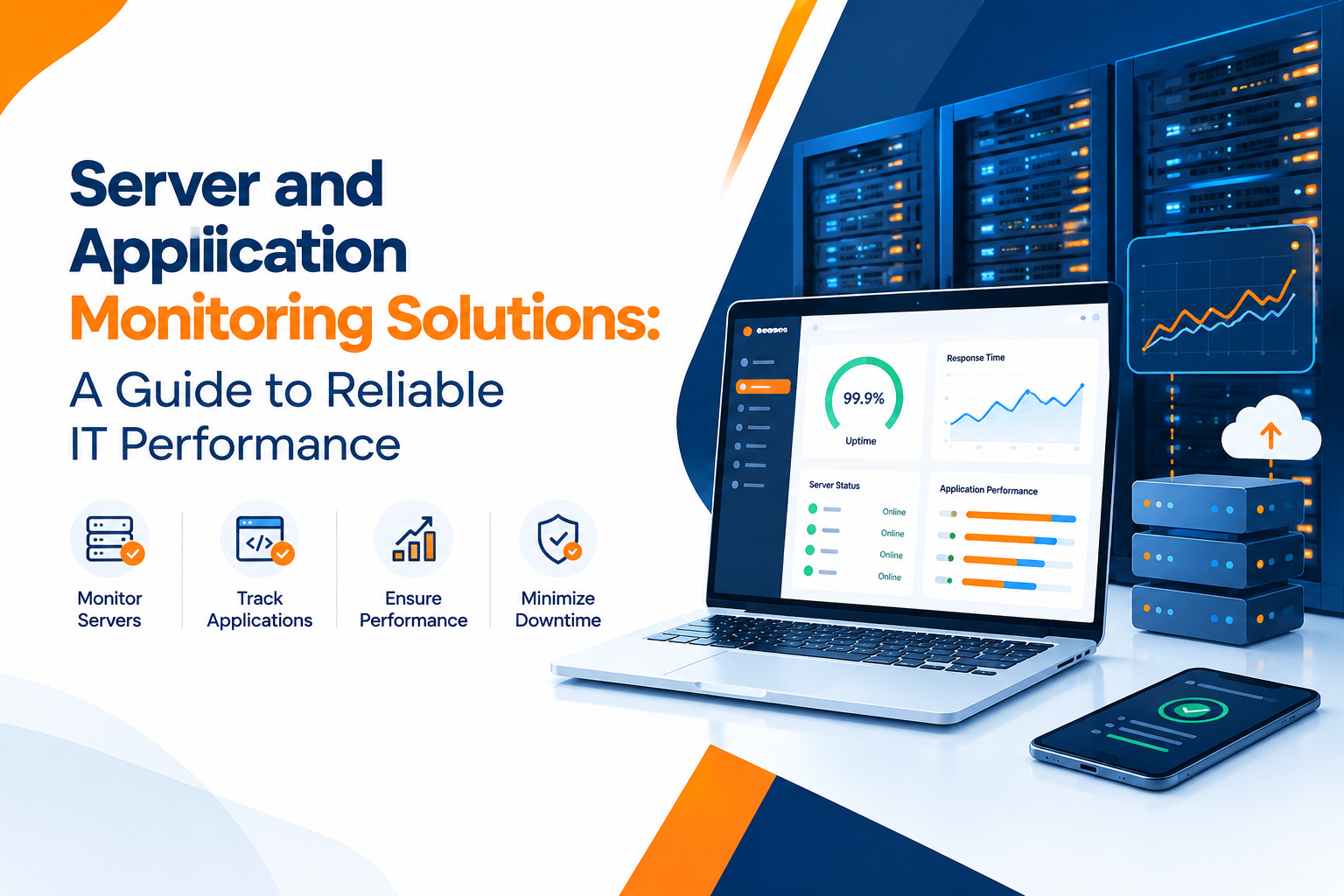
Slow applications, high resource utilization, and unexpected service interruptions can affect productivity. Monitoring system performance and reviewing logs can help technicians identify resource constraints and underlying technical problems.
For businesses looking to improve their technology management approach, https://www.clopid.com/ provides a starting point for exploring relevant IT solutions.
The IT Troubleshooting Process
An organized troubleshooting process helps technical teams resolve issues consistently and avoid unnecessary changes.
Step 1: Identify the Problem
Gather information from the affected user, including the error message, the time the issue occurred, recent changes, and the systems involved. Determine the business impact and urgency of the problem.
Step 2: Diagnose the Root Cause
Use relevant diagnostic tools, system logs, network tests, and application checks to narrow down possible causes. Avoid assuming that the first visible symptom represents the actual cause.
Step 3: Prioritize the Issue
Classify the issue according to its severity, urgency, number of affected users, and business impact. Problems affecting critical systems or multiple employees may require immediate escalation.
Step 4: Apply an Appropriate Solution
Implement a suitable fix based on the evidence collected. This could involve correcting a configuration, updating software, restoring connectivity, adjusting permissions, or escalating a hardware issue to a specialist.
Follow change management procedures when modifications could affect critical systems.
Step 5: Test and Verify
Confirm that the problem has been resolved and that related functions continue to work correctly. Ask the affected user to verify the result when appropriate.
Step 6: Document the Resolution
Record the symptoms, root cause, actions taken, and final outcome. This documentation helps support teams resolve similar issues more quickly in the future.
Benefits of Professional IT Support
Effective technical assistance offers several advantages for businesses.
- Reduced Downtime: Timely troubleshooting helps restore important systems and services.
- Improved Productivity: Employees can return to their tasks with fewer technical interruptions.
- Better Security: Support teams can investigate suspicious activity and address configuration weaknesses.
- Consistent Operations: Standardized troubleshooting procedures improve the reliability of IT services.
- Lower Support Costs: Identifying recurring problems can reduce repeated incidents and unnecessary repair expenses.
- Better User Experience: Clear communication and effective solutions help employees use technology confidently.
Professional IT support also helps businesses maintain consistent procedures as their technology environments become more complex.
Best Practices for Effective Technical Assistance
Businesses can strengthen their IT support operations by following these practical measures:
- Maintain an updated inventory of devices, applications, and IT assets.
- Keep operating systems and software updated according to approved policies.
- Use reliable backup and recovery procedures.
- Establish a clear process for reporting and prioritizing technical issues.
- Document common problems and verified solutions in a knowledge base.
- Train employees to recognize common technical issues and security risks.
- Monitor critical systems to identify potential failures early.
- Escalate complex issues to qualified specialists when necessary.
Organizations should also establish clear communication practices so employees understand the status of their support requests and the actions required from them.
How IT Support Helps Remote and Hybrid Teams
Remote and hybrid work environments introduce additional technical challenges. Employees may work from different networks, devices, and locations, making troubleshooting more complicated.
Remote technical assistance can help diagnose software errors, configure approved applications, resolve connectivity problems, and guide employees through system checks without requiring an immediate on-site visit.
However, remote support should follow appropriate security controls, including verified user identities, authorized remote access, secure connections, and clear user consent.
A reliable remote support process enables distributed teams to receive assistance while maintaining security and operational continuity.
Measuring IT Support Performance
Businesses can use performance metrics to understand whether their technical support processes are effective.
Important indicators include:
- First Response Time: How quickly the support team acknowledges a request.
- Resolution Time: How long it takes to resolve a reported issue.
- First Contact Resolution Rate: The percentage of issues resolved during the initial interaction.
- Ticket Reopening Rate: How often previously resolved issues return.
- User Satisfaction: Feedback about the quality and usefulness of technical assistance.
- Recurring Incident Rate: The frequency of repeated problems involving similar root causes.
Reviewing these indicators helps managers identify process gaps, allocate support resources, and improve the overall quality of IT services.
Conclusion
IT troubleshooting and technical assistance are essential for maintaining reliable business technology. From resolving software errors and network issues to restoring access and improving system performance, effective technical support helps organizations reduce disruptions and maintain productivity.
A structured troubleshooting process, clear documentation, proactive maintenance, and appropriate security measures enable businesses to manage technical problems more efficiently. By continuously improving their support practices, organizations can create a more reliable and productive IT environment.
Visit Website
Explore Clopid for technology-related solutions and resources that support business operations and IT requirements.
Visit the website to learn more about available solutions for your business.